Engineering notes
Connect a cloud Mac to your real engineering workflow
From choosing a daily rental to Xcode builds, runner integration, and migrating data before your rental ends, every article includes actionable steps, checklists, and clear boundaries.
No matching articles found.

For Windows creators considering MotionVFX content in Final Cut Pro, the key is to wait for the announced update and verify the workflow rather than relying on the app launching. This guide follows the timeline from update checks through project-copy tests, saving, export, and the decision to use a remote Mac for delivery.
Independent developers, release teams, and CI engineers can use this guide to identify certificates affected by Apple's Developer ID CA change. It separates the migration requirements for Mac apps and .pkg installers, then provides a role-based validation plan for signing and release pipelines.

This guide is for researchers and lab administrators moving Homebrew-managed tools to another Mac or reviewing an existing setup. It walks through dependency inventory, a controlled test migration, project-level acceptance checks, and a decision path for switching or keeping the old environment.
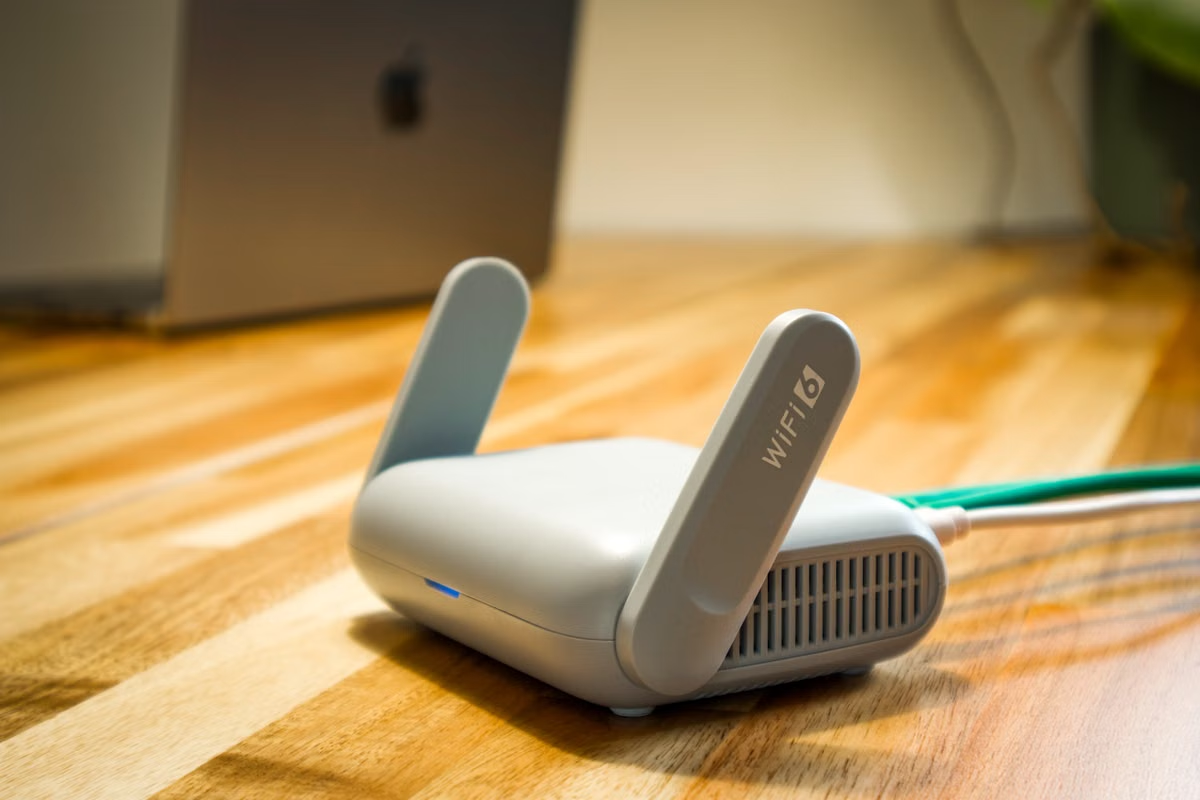
A Mac mini M6 can serve as a Tailscale exit node when its software, network, and availability conditions are met. This guide separates travel traffic routing from remote macOS work, compares fixed-location and remote Mac setups, and gives you a pre-trip verification plan.

This guide helps enterprise IT, platform, and iOS teams decide where signing credentials belong and whether a shared macOS runner is suitable for production releases. It compares credential storage, runtime isolation, workflow authorization, and cleanup evidence, then provides decision branches and an acceptance process.

If a bulk inventory upload has mixed results, use the processing report to identify affected records and SKUs before changing or resubmitting a file. This guide explains how to interpret errors and warnings, import a report into Numbers, and confirm the actual listing or inventory state.
If you are learning iOS, Xcode Cloud can automate builds and tests, but it does not replace the interactive Xcode environment needed for editing, previews, simulator work, and debugging. This guide compares learning setups by course task and gives you a step-by-step way to decide what you need.

Windows cannot run Apple Motion 6.4 as a native Windows application, but you can test the workflow by connecting to a real Mac remotely. This guide walks through system and licensing checks, project preparation, editing trials, template handoff, and a decision table for choosing a remote or local Mac.

For independent developers monitoring a live update, this guide explains when evidence justifies pausing a phased release and when to investigate before changing rollout. It compares pause, resume, and broad-release choices, then gives a decision record and a verification path for a hotfix build.

If you have a Windows computer and need Xcode 27, a macOS virtual machine is not the dependable route: Apple’s published requirements point to an Apple silicon Mac. This guide compares options for Windows-only students, Mac owners, and students with school or remote Mac access, then gives you a course-environment checklist.

Create an isolated, repeatable iOS simulator test matrix with explicit sharding, controlled concurrency, result collection, and deterministic teardown.

Create a reproducible cache layout for DerivedData, Swift packages, and build results on a remote Mac, then decide what to retain, rebuild, or export.

Set up a repeatable security baseline for a short-term cloud Mac, from isolated SSH keys and temporary credentials to verified export and end-of-rental cleanup.
Draft queue
New drafts in progress
Engineering guides will be published here. Until then, review the available models, rental terms, and connection steps.
Series queue
New drafts in progress
Series content is still being organized. In the meantime, explore cloud Mac specifications, usage boundaries, and support options.
Daily cloud Mac rental
Need a cloud Mac that connects directly to your pipeline?
Rent a dedicated physical Mac by the day, week, month, or quarter. Final availability, node location, and delivery status are shown at checkout.